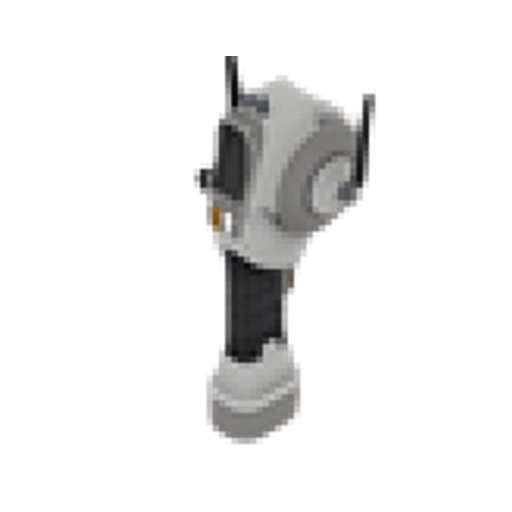
轨道联络
轨道联络 in FOUNDRY: crafting recipe, production chain inputs, and crafts that consume it.
简介 - 分类: handhelds · solid · 堆叠: 1
配方
轨道联络
设备: assembler · 制作时间: 10s
材料
- 1 × 异铁石板
- 5 × 设备零件
- 20 × 电子元件
- 10 × 电路板
产物
- 1 × 轨道联络
指南
The Orbital Uplink is a handheld device designed for direct communication with orbital stations. It plays a key role in connecting your factory's operations to orbital systems, allowing for advanced management and interaction beyond the planet's surface.
Effective use of the Orbital Uplink often requires supporting infrastructure, such as radio towers, to establish reliable connections. Without these dependencies in place, the device may not function as intended.
Craft it in an assembler. It is a handheld comms tool, so the production problem is electronics supply, not a downstream recipe chain.
提示
- Maintain a steady supply of electronic components and circuit boards to prevent delays when crafting the Orbital Uplink, as these materials can quickly become bottlenecks in production.
- Before deploying the Orbital Uplink, confirm that all necessary infrastructure like radio towers is constructed and operational, as missing components will prevent successful communication.
- If you encounter interface issues such as lingering targeting markers when switching device modes, try resetting the Orbital Uplink or reloading the relevant UI to clear artifacts.
- Should the Orbital Uplink fail to connect or function, double-check the power and status of all supporting systems before troubleshooting the device itself.
Unlock requirements
- Circuit Board
常见问题
Is there an in-game tutorial or guidance for troubleshooting common issues with the Uplink and related infrastructure?
The game provides basic tooltips and prompts when setting up the Orbital Uplink and related infrastructure like radio towers. For troubleshooting, players are encouraged to check power supply, device placement, and ensure all required supporting systems are operational. If persistent issues occur, reloading the UI or resetting the device can help clear interface artifacts.